Build Something
That Didn't Exist
Yesterday.
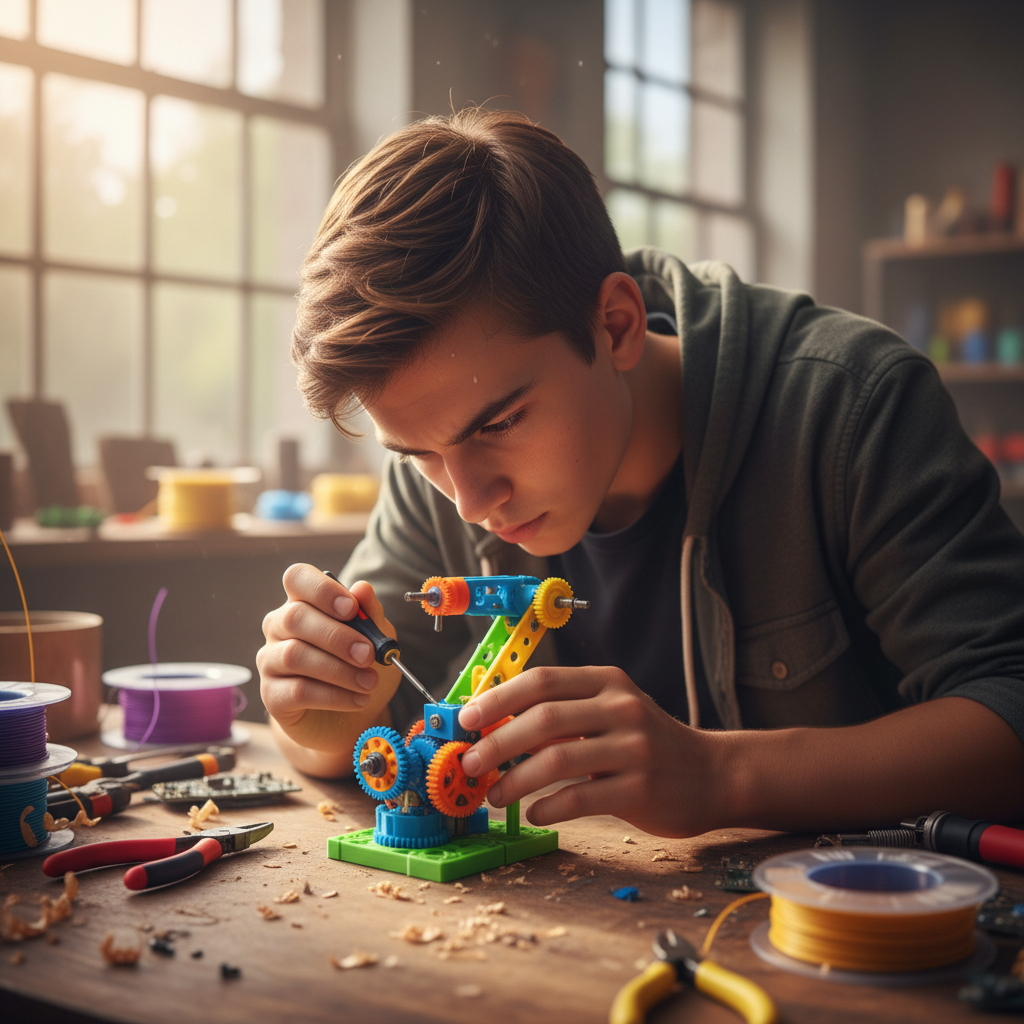
Gears. Circuits. Filament. Your kid designs it on a Tuesday and holds it in their hands by Friday.
Build Your Own Curriculum
Filter by what your kid wants to make. Half the content is free before you even sign up.
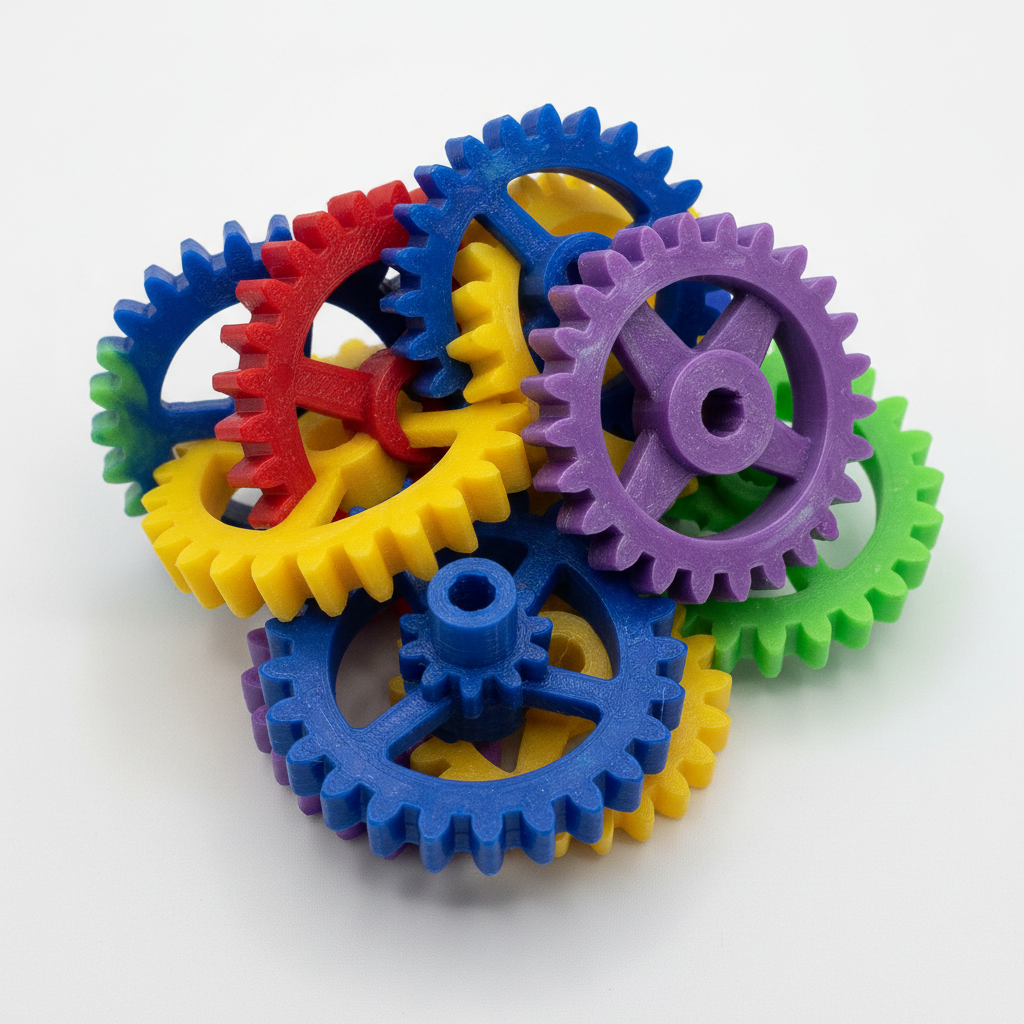
Snap-Fit Gear Box
First Print · 45 min
What you'll learn
Tolerances, gear ratios, and why a 0.2mm gap makes the difference between stuck and spinning.
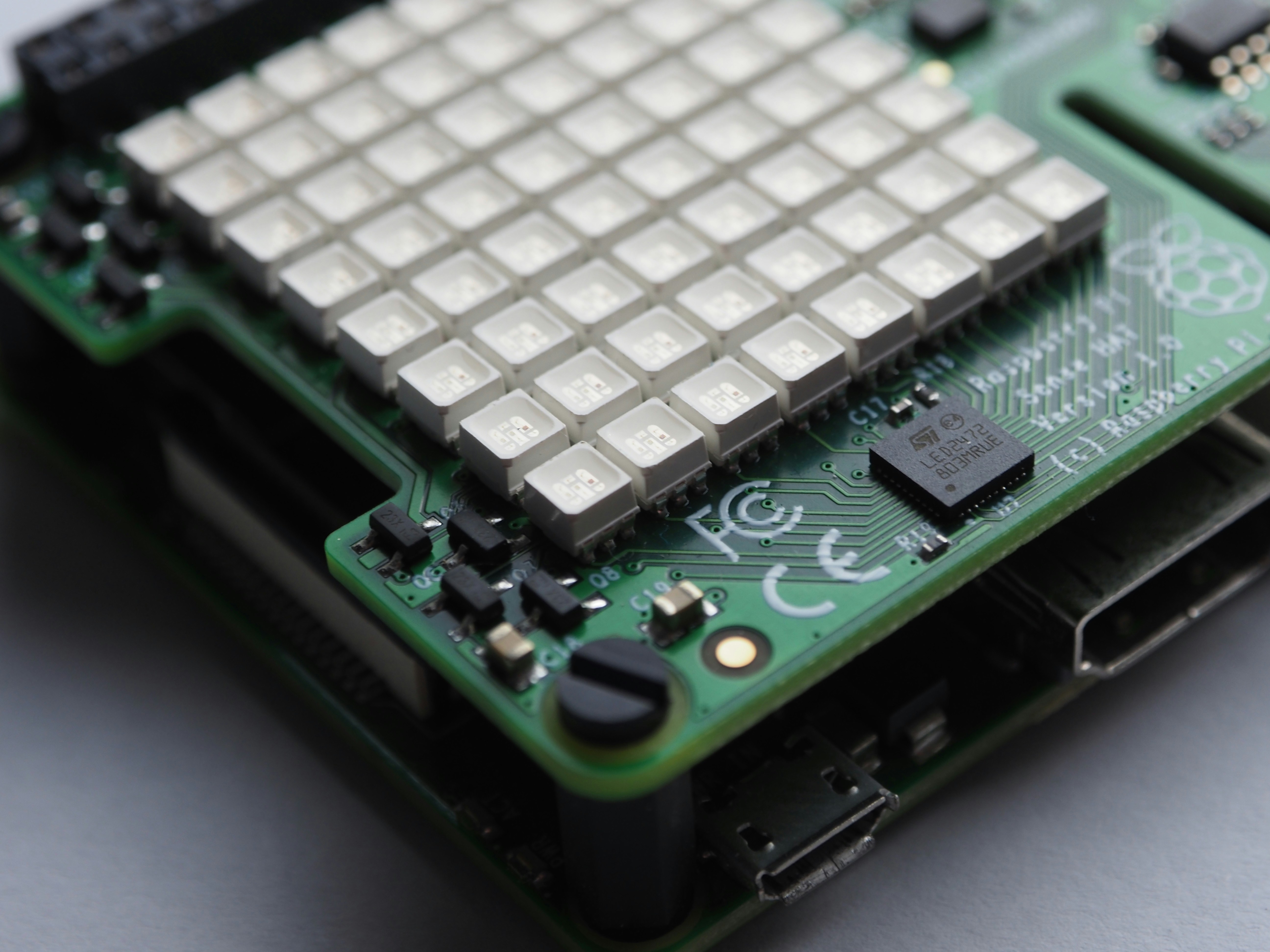
Blink Your First LED
Electronics · 30 min
Skills unlocked
Soldering iron safety, Ohm's law in plain English, and the dopamine hit of a blinking LED you wired yourself.
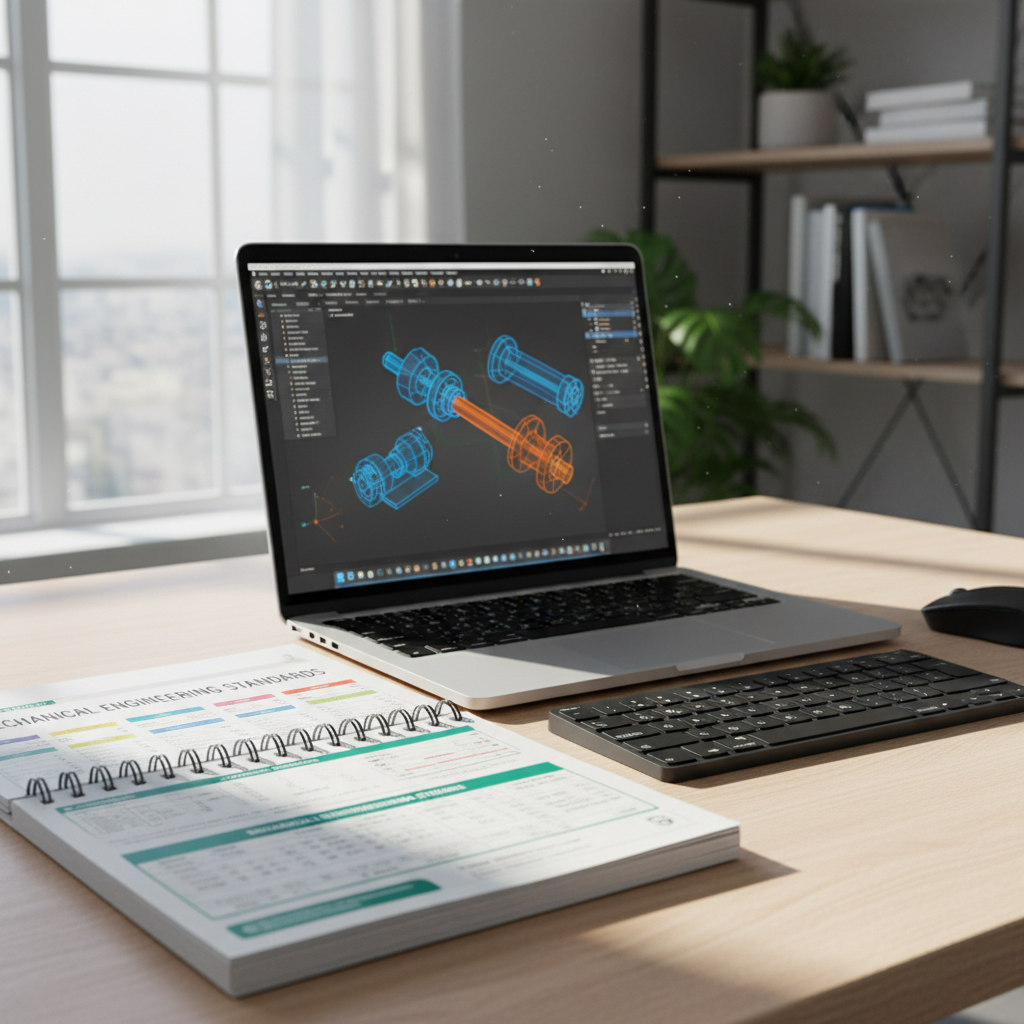
Tinkercad Cheat Sheet
Parent Guide · Free PDF
Inside the PDF
12 essential tools explained in under 10 words each. Print it, stick it up, stop Googling mid-session.
↓ 1,240 downloads
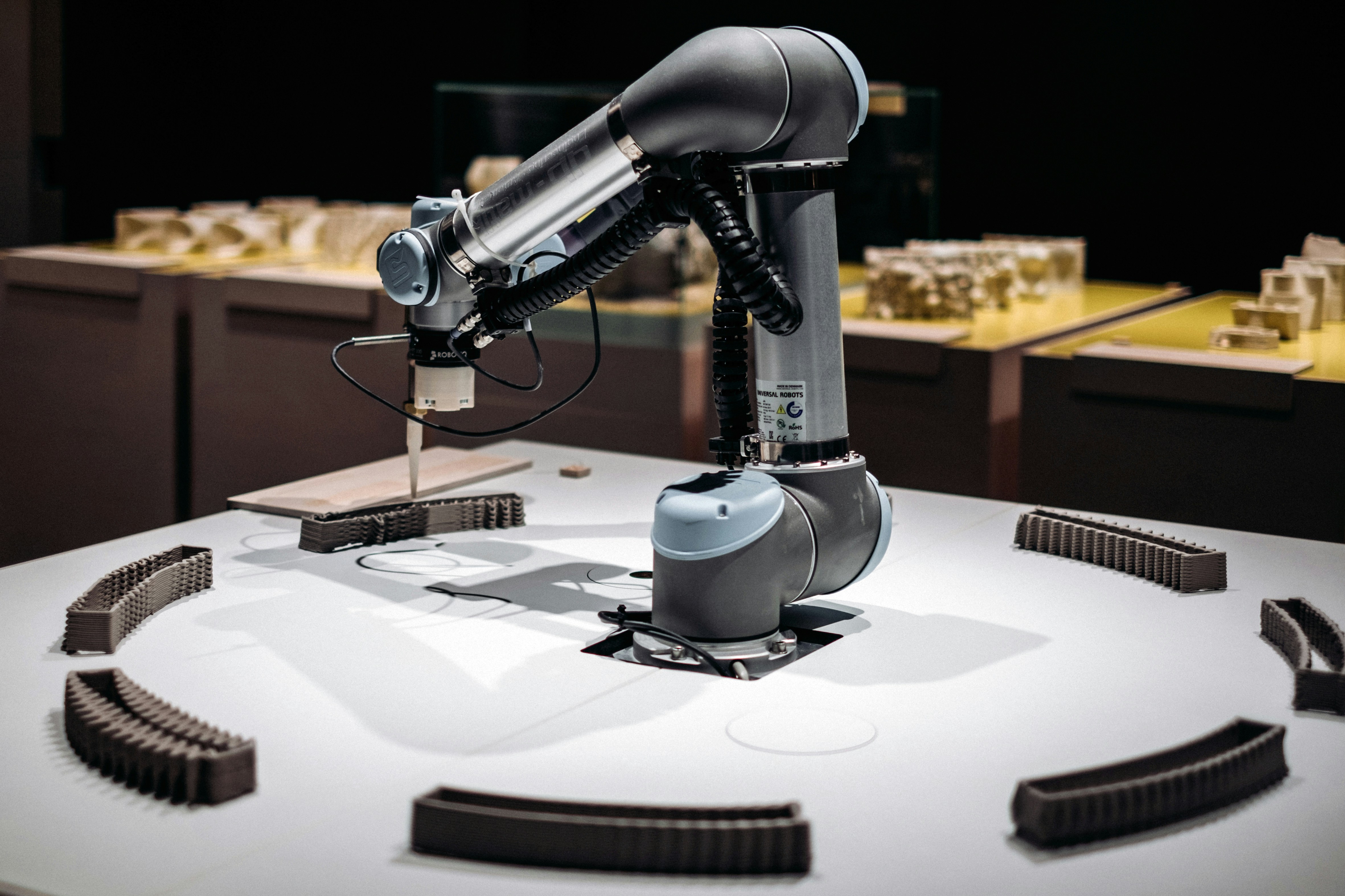
Mini Robot Arm
Advanced CAD · 3 hrs
The challenge
Inverse kinematics sounds scary. It's just triangles. You'll use geometry you already know to make a robot move.
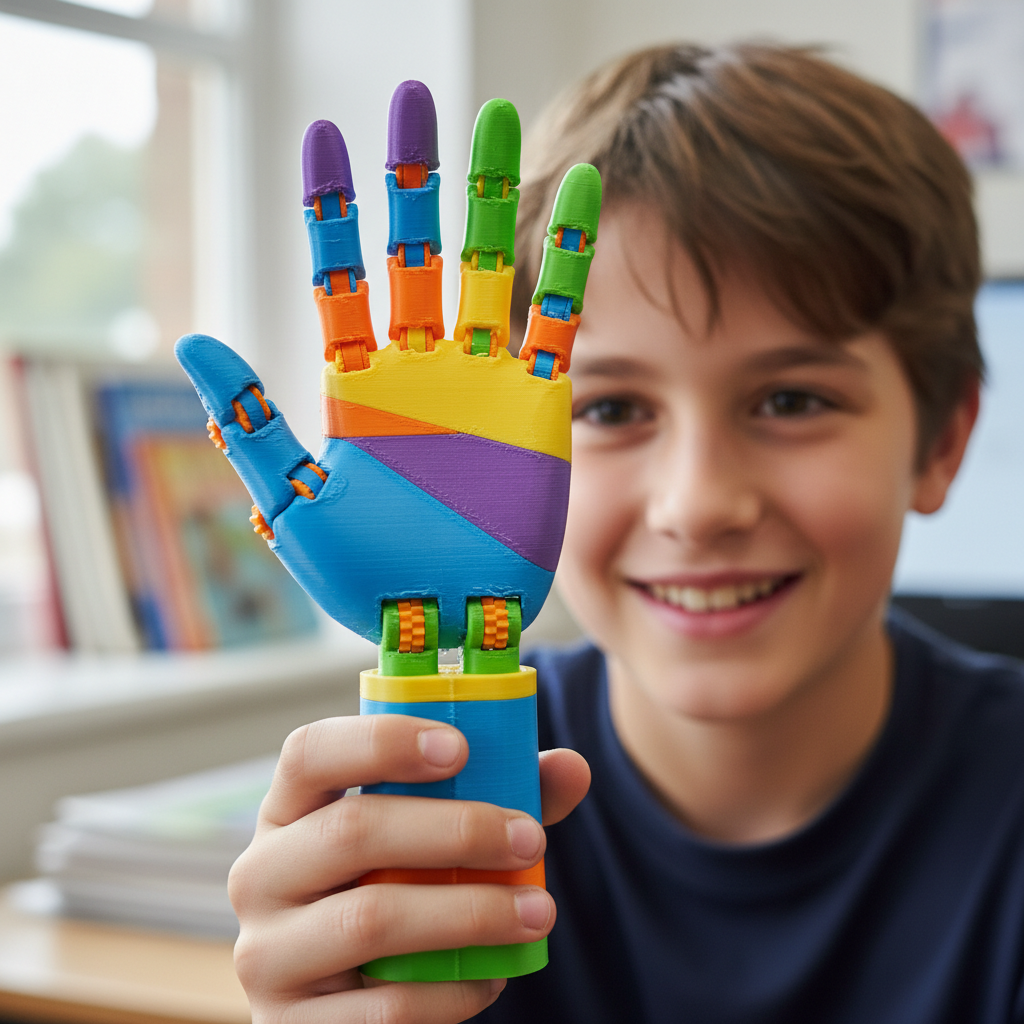
Prosthetic Hand Challenge
Advanced · Team project
Real-world impact
This is the project that makes parents cry at showcase day. Engineering with a reason.
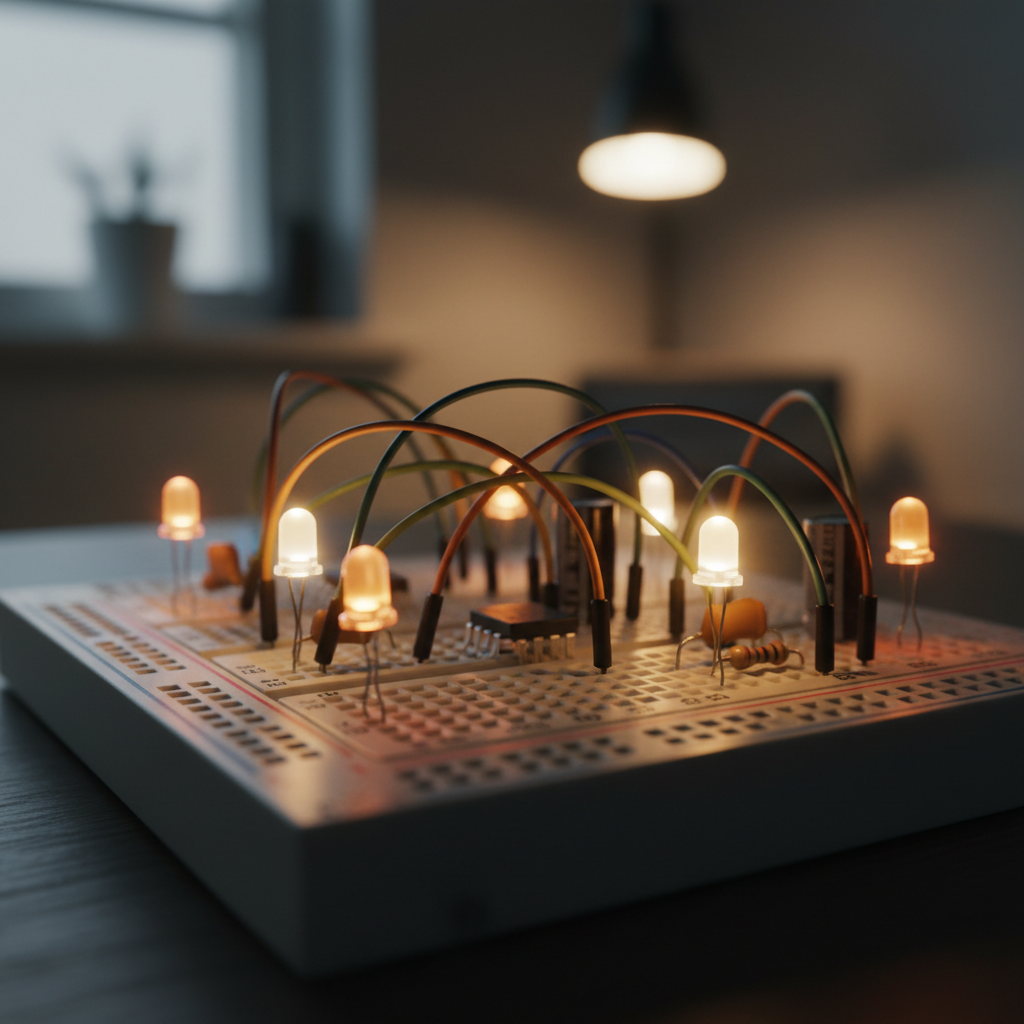
Night Light Circuit
Electronics · 1 hr
The aha moment
When the room dims and the light flicks on automatically — that's the moment they understand sensors.
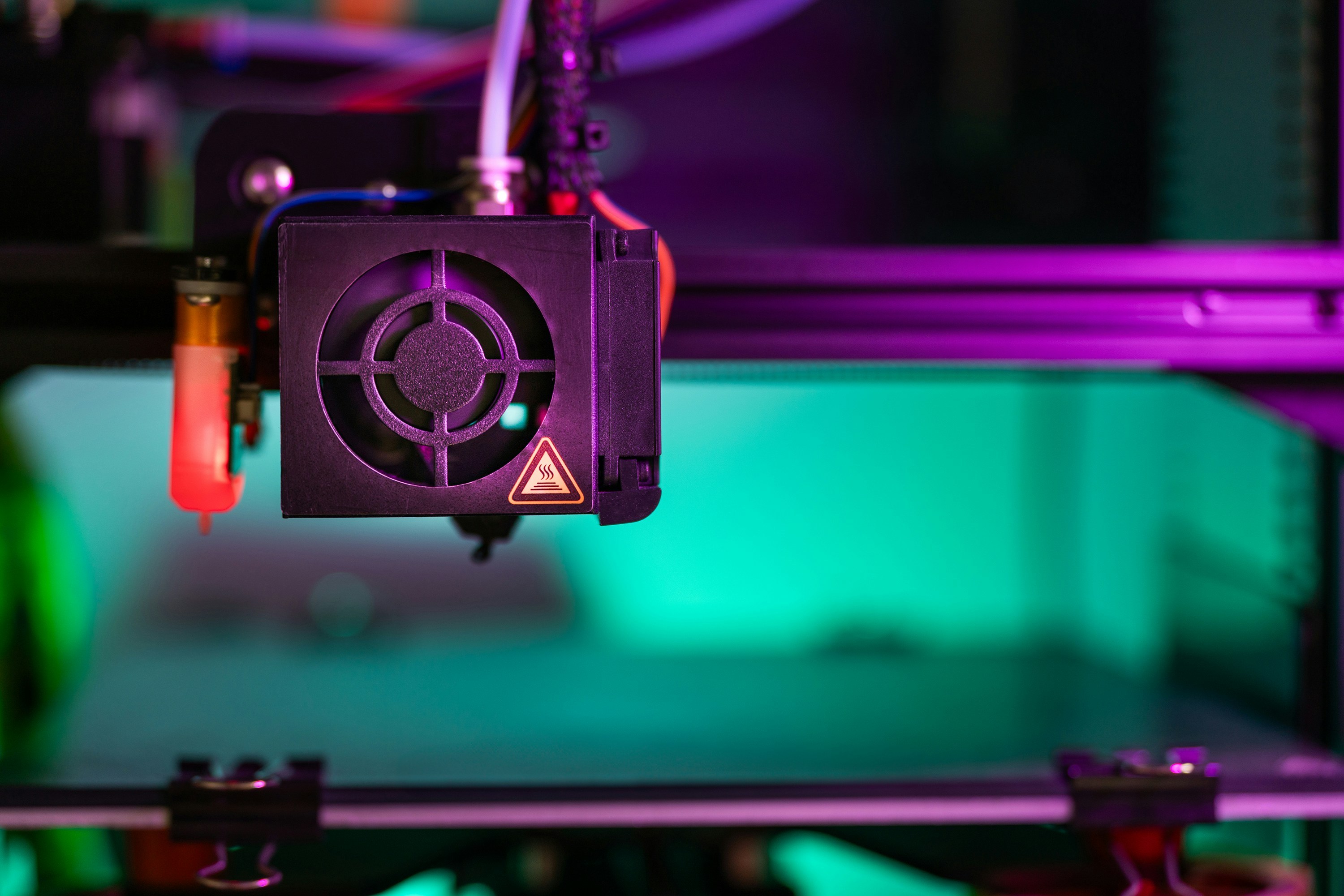
First Print Checklist
Parent Guide · Free PDF
What's inside
23-step checklist that prevents the 7 most common first-print failures. Saves two hours of frustration.
↓ 2,870 downloads
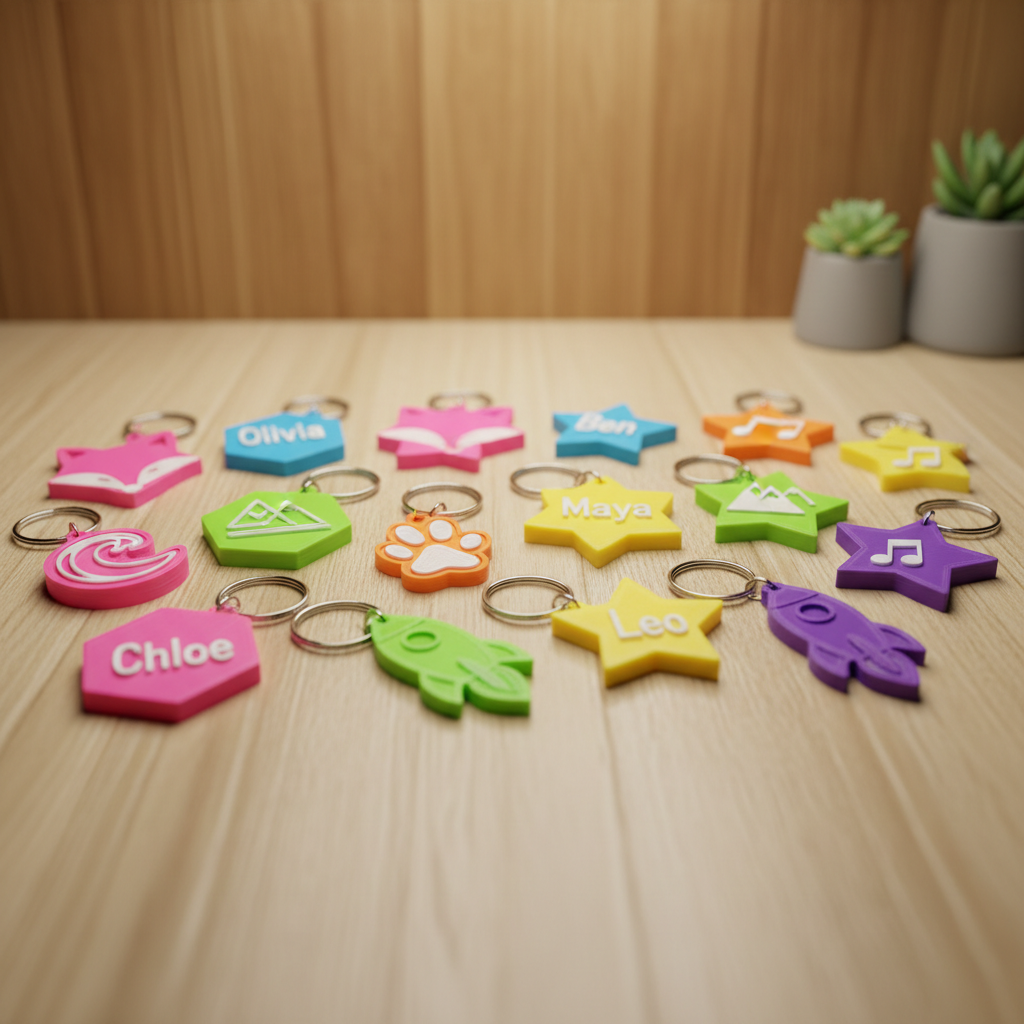
Keychain Name Tag
First Print · 20 min
Why start here
Instant gratification is the point. One small win and they're already designing their next project.
Not sure where to start? We picked the best first project for you.
The instruction booklet is optional. Building your own thing is the whole point.
Most STEM programs teach kids to follow steps. Maker teaches kids to make decisions — about design, about materials, about what to do when the first version doesn't work.
Real Tools, Not Toys
Kids use the same FDM printers and soldering stations that professional makerspaces use. Supervised, safe, and genuinely challenging.
Design Before Print
Every session starts in Tinkercad or Fusion 360. Kids learn to think in 3D before the machine ever starts.
Projects, Not Worksheets
There are no tests. There's a project showcase at the end of each term where kids present what they built to their families.
When It Fails, That's the Lesson
A warped print or a shorted circuit is curriculum. Kids learn to debug, iterate, and try again — which is all engineering is.
of kids re-enroll next term
Because there's always one more thing to build.
Prints Completed
Across all skill levels, from keychains to robot arms
Kids Enrolled
Ages 8 to 14, no prior experience required
Schools & Co-ops
Homeschool groups, after-school programs, STEM clubs
Come Back Next Term
Because they always have one more thing to build
The Maker
Starter Kit
Everything you need to run a first print session — whether you're a parent setting up at home, a co-op coordinator planning a semester, or a kid who just needs a starting point.
- ✅First-Print Checklist (23 steps)
- 🎨Recommended Filament Guide (colors, temps, brands)
- 📐5 Beginner Project Files (.stl ready to print)
- 📋Tinkercad Cheat Sheet (laminate-ready)
- 🔧Troubleshooting Quick Reference
What Families Say After the First Print
My daughter spent three Saturdays designing a replacement bracket for our broken cabinet door. She's eleven. The bracket works.

Deborah Wasilewski
Parent, Chicago homeschool co-op
We filled our spring STEM slots in four days after sharing the Starter Kit PDF with our parent group. First time that's ever happened.

Marcus Okonkwo
After-school program director, Oakland
I wanted to build a robot that could pick up my Legos so I didn't have to. We built the arm. It mostly works. I'm improving the grip.

Zara A.
Age 13, Maker student since Fall 2024
The failed prints are the best part of our sessions. Kids who've never debugged anything in their lives are suddenly asking why the layer adhesion failed. That's engineering thinking.

Priya Nambiar
STEM coordinator, Austin homeschool network